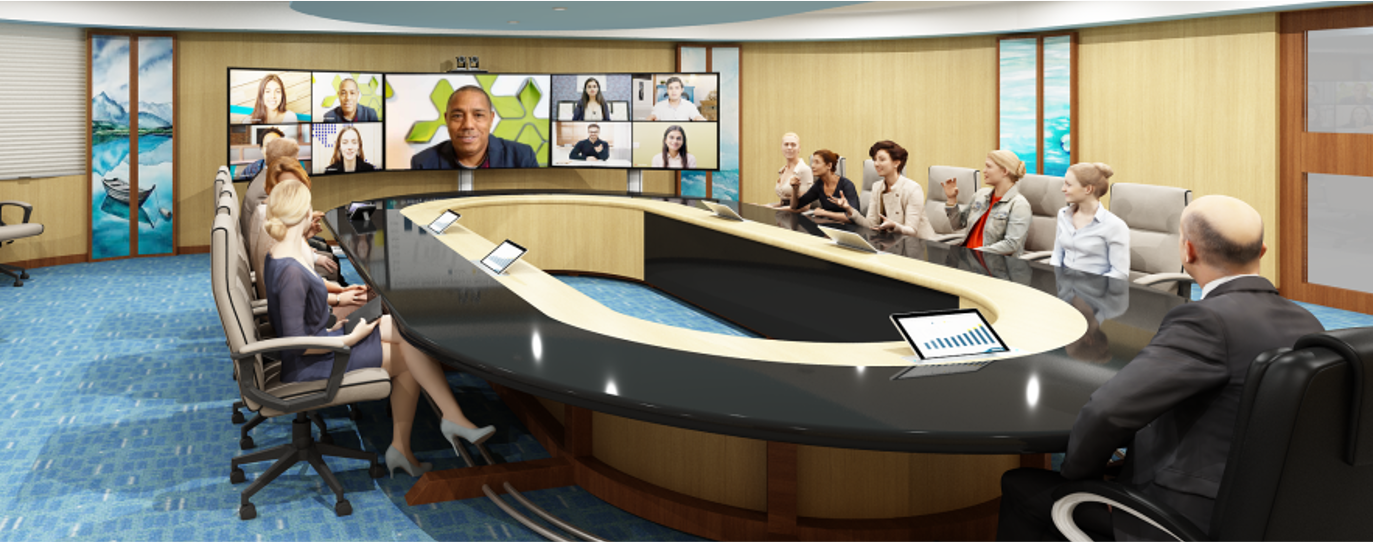
Key Special Common Features of Most of Business Octane Local & Video collaboration solutions for Board Rooms, Conference Rooms and Seminar Rooms to deliver exceptional board meeting experience.
1. Empower everyone to see far site participants much bigger in size for highly effective video meetings !
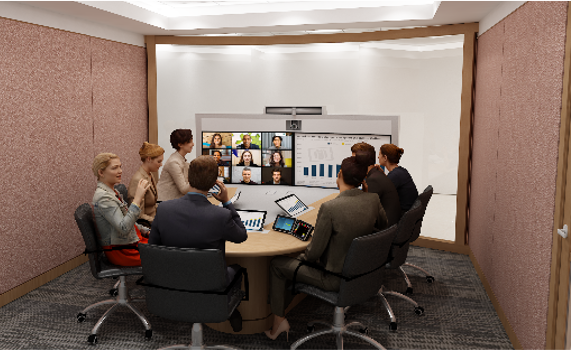
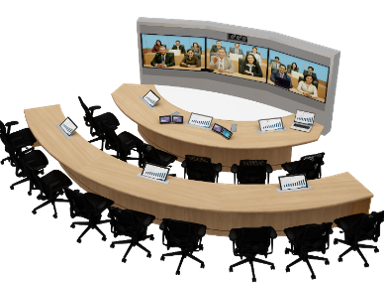
See far site video participants much bigger in size on account of capability to see the video participants splitted into two displays as Left Gallery and Right Galley and active speaker separately on another display and content separately on on-table content monitors with the power to read the content crystal clear.
This helps your organization to see connected participants at all times while seeing the presentation separately in another display for better content viewability.
2. Give power to read the content crystal clear to both senior management and to all other participants!

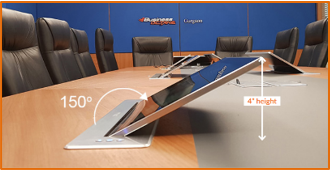
Highly unobtrusive 15.6” embedded on the table motorised and non-motorised Touch Content monitors that are only 100 mm from tabletop at 150 degrees of incline enable participants seated at distance higher than distance of more than 2.5 times of diagonal size of display. Further, one Content monitor can be used ideally for two persons or maximum for upto three persons.
3. Give power of content annotation & interactive whiteboarding along with full content legibility in all video meetings right from where you are sitting !
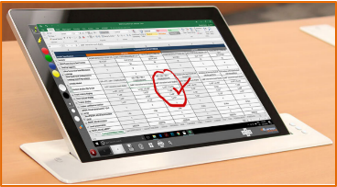
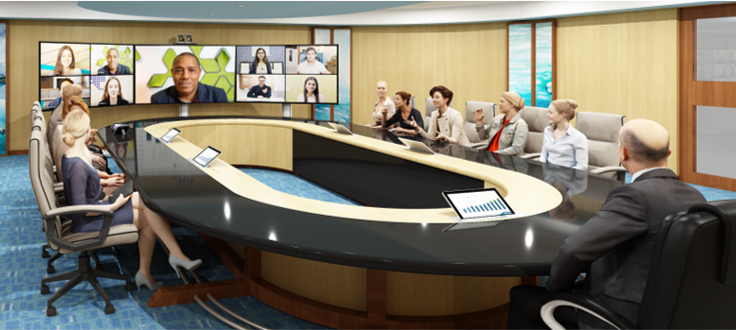
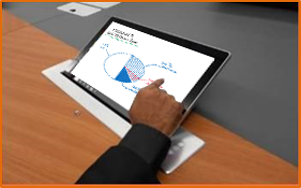
Highly unobtrusive 15.6” embedded on the table motorised and non-motorised Touch Content monitors also enable multiple locations interactive whiteboarding using your fingers, and comment on the content/content annotation without acting as an obstruction for hiding hands of the participants.
Further they also ensure content legibility for all meeting participants and also act as an additional/dedicated display for showing content when all the front displays are being used for showing multiple video streams in meetings such as active speaker view along with the gallery view and in near immersive and ultra-Immersive video telepresence meetings.
4. Automatic, instantaneous and reliable Speaker tracking or “Look at Me”.

Now Get the capability of Automatic Speaker tracking or “Look at Me” embedded in all Board Room solutions without having to press any button
5. Get not only one dimensional but double/ Triple dimensional video meeting experience
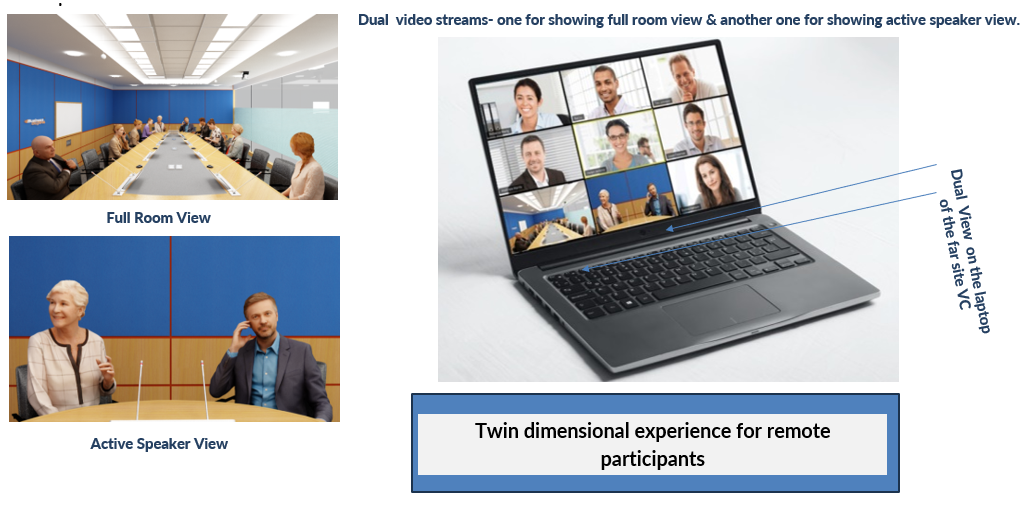
Get not only one dimensional but Triple dimensional video Conferencing experience
(2) Give your far site participants not only one dimensional but multiple dimensional experience for seeing all the participants of Seminar along with seeing the active speaker in Video Conferencing meetings !

6. Get the highest possible eye contact in your Board Rooms with US Patent received technology!

Get the highest possible eye contact with US patent received Eye contact Optimized with lowest parallax error with ProCollabStations & ProVideoManagers across your enterprise in all video meetings.
7. Remove cable-clutter and embed the technology in your Board Room with ProCollabStation conference tables while also getting new age design & aesthetics.
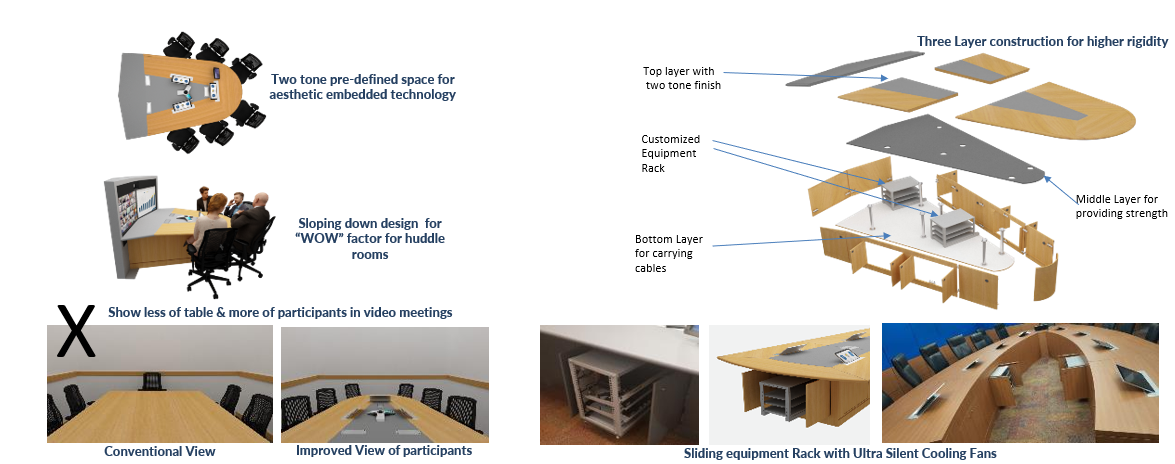
ProCollabStations remove cable clutter on top and under the table, enable mounting of multiple embedded motorized and non- motorized content monitors, motorized microphones and cable management boxes in the most optimal manner along with providing the housing for equipment racks while removing the need for multiple raceways.
Various ProCollabStations – shape and finish can be further customized
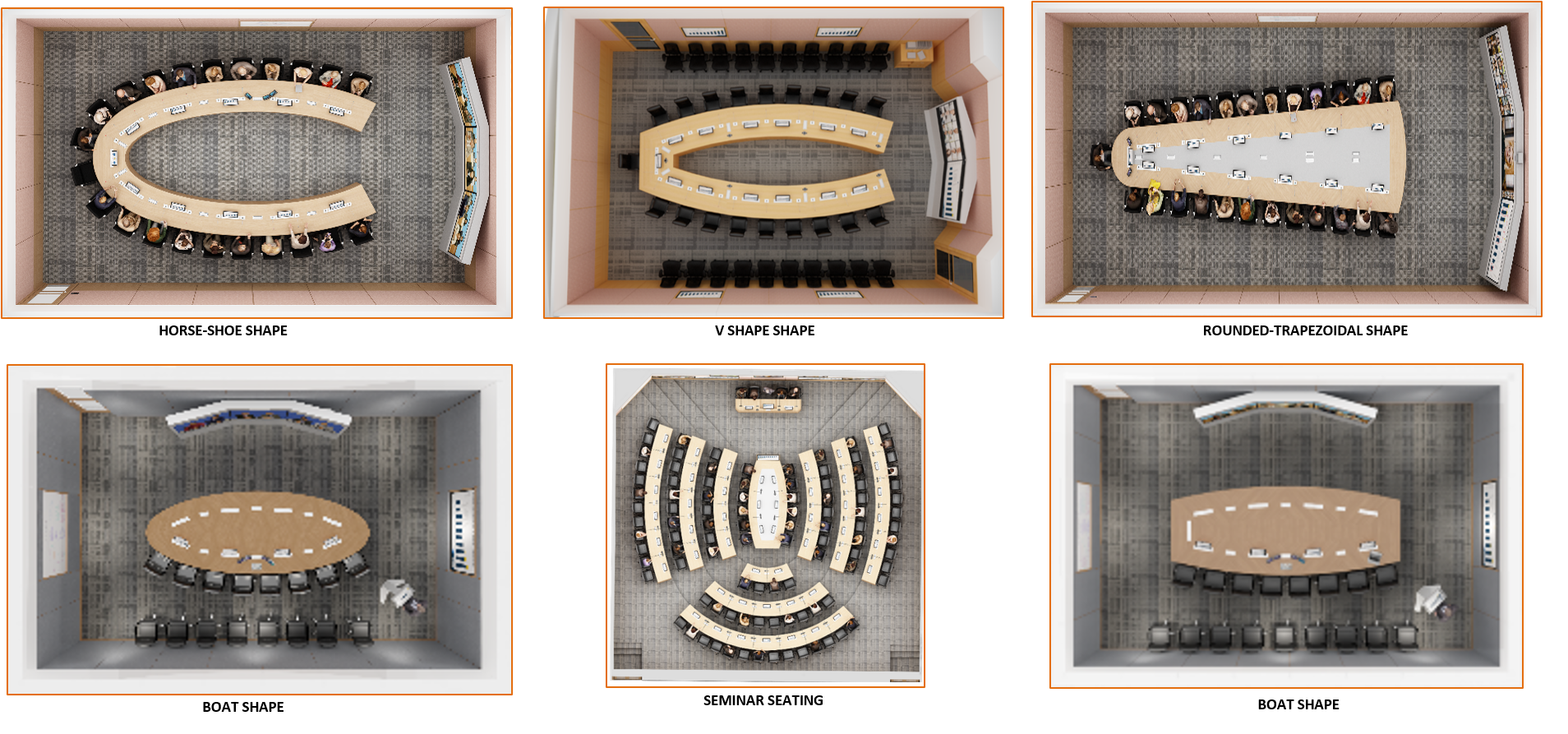
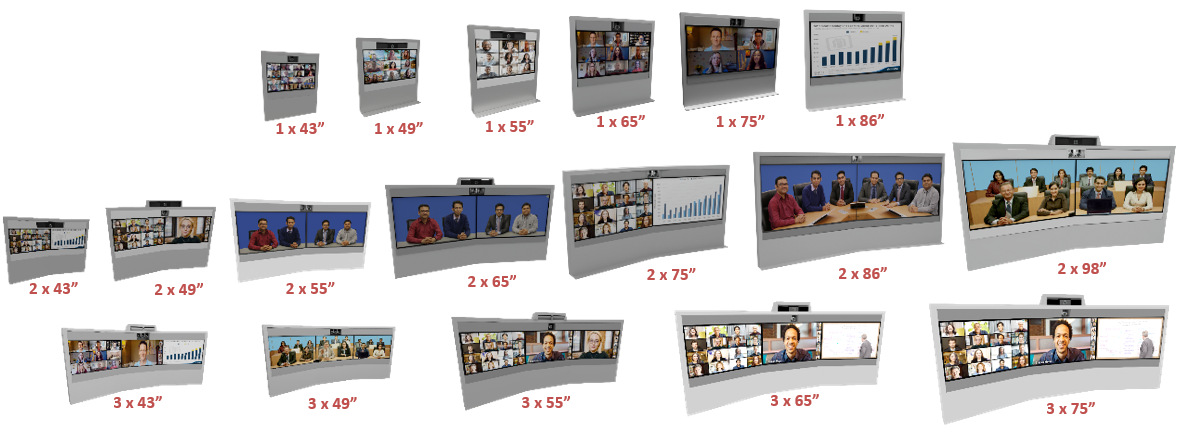
8. Multiple large displays and cameras both embedded at optimum height along with enclosed speakers and cables in ProVideoManagers provides highly functional, clutter-free and flexible Board Rooms with new age design and aesthetics too.

Available for every single size that you may require across your enterprise.
ProVideoManagers would add new age design and aesthetics in your video meeting experience across your enterprise.
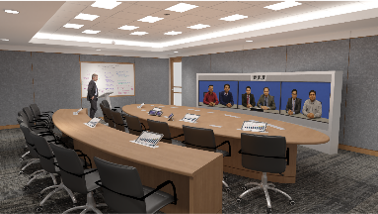
9. Get On Cloud Ultra Immersive Telepresence (OCUIT) experience for the first time to see the second location participants 9-27 times bigger.
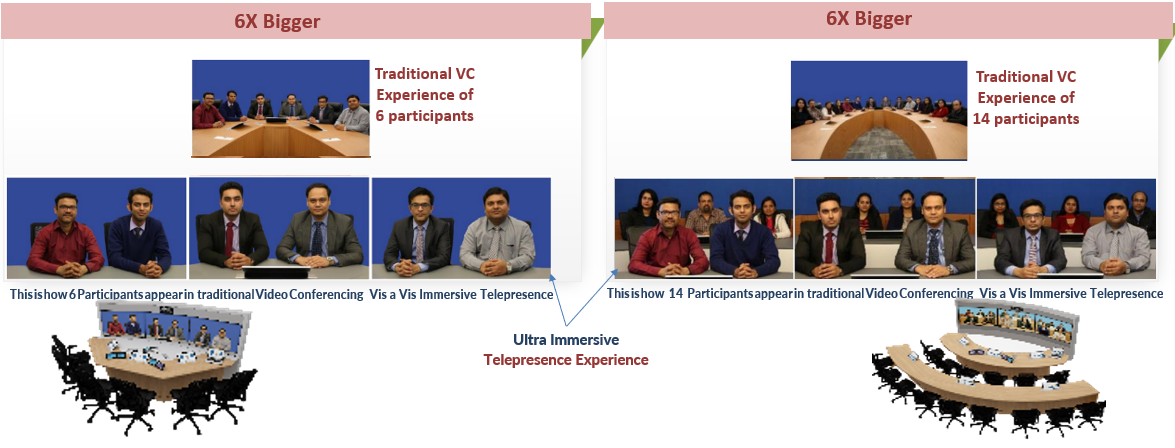
With Ultra Immersive Video Collaboration, everyone’s eye & facial language are so crystal clear that you can read even the fine nuances on account of seeing them 6 times bigger in video meetings !

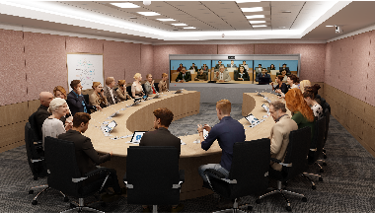


10. Interactive whiteboarding allows you to easily explain

Optional Ceramic White boarding, paper whiteboarding and document sharing helps you reduce understanding gaps
11. Ceramic White board sharing, paper whiteboarding and document sharing allows you to easily explain !

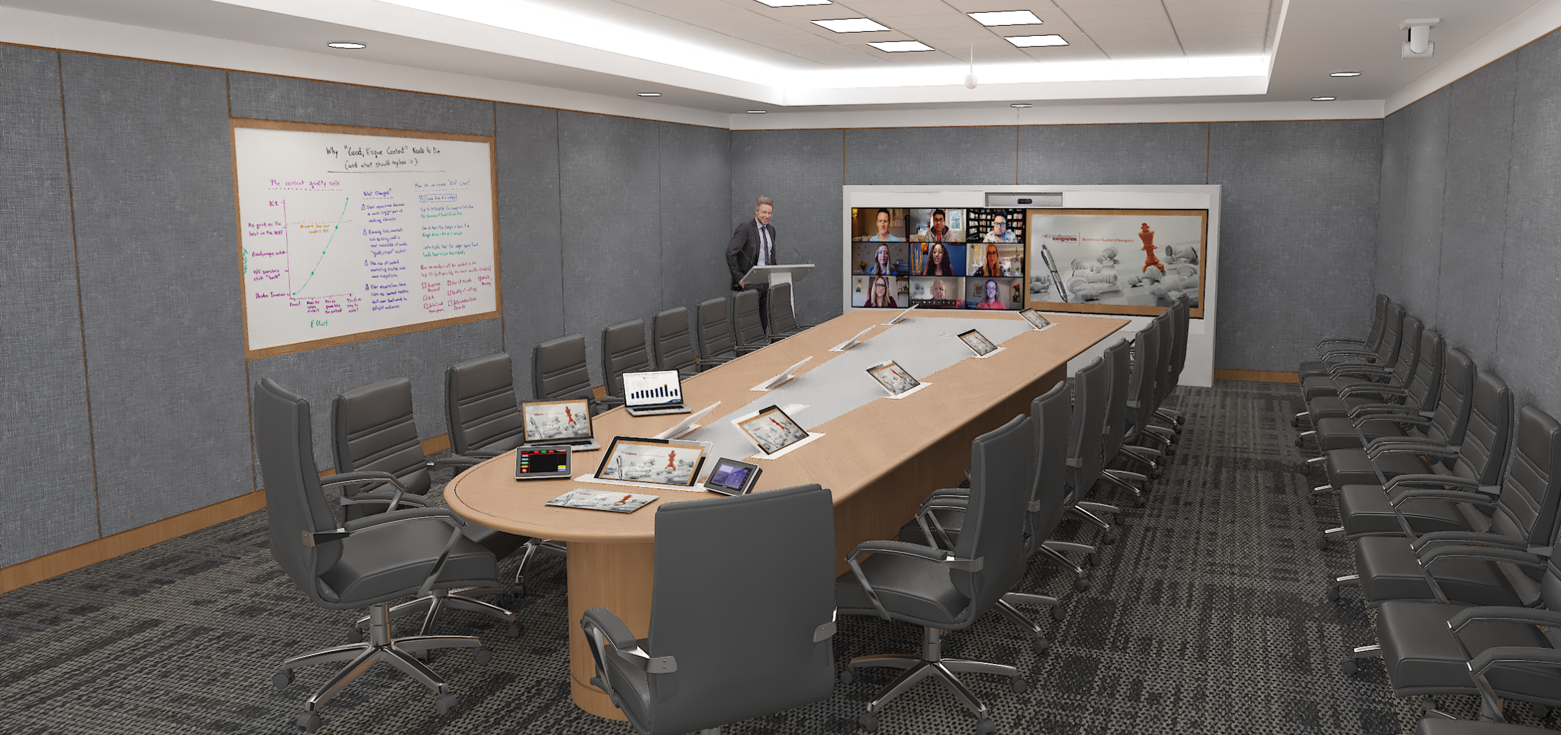
Optional Ceramic White boarding, paper whiteboarding and document sharing helps you reduce understanding gaps
12. Dual presentation or triple presentation share and compare: Capability to share & compare two or three simultaneous presentations side by side in local meetings.
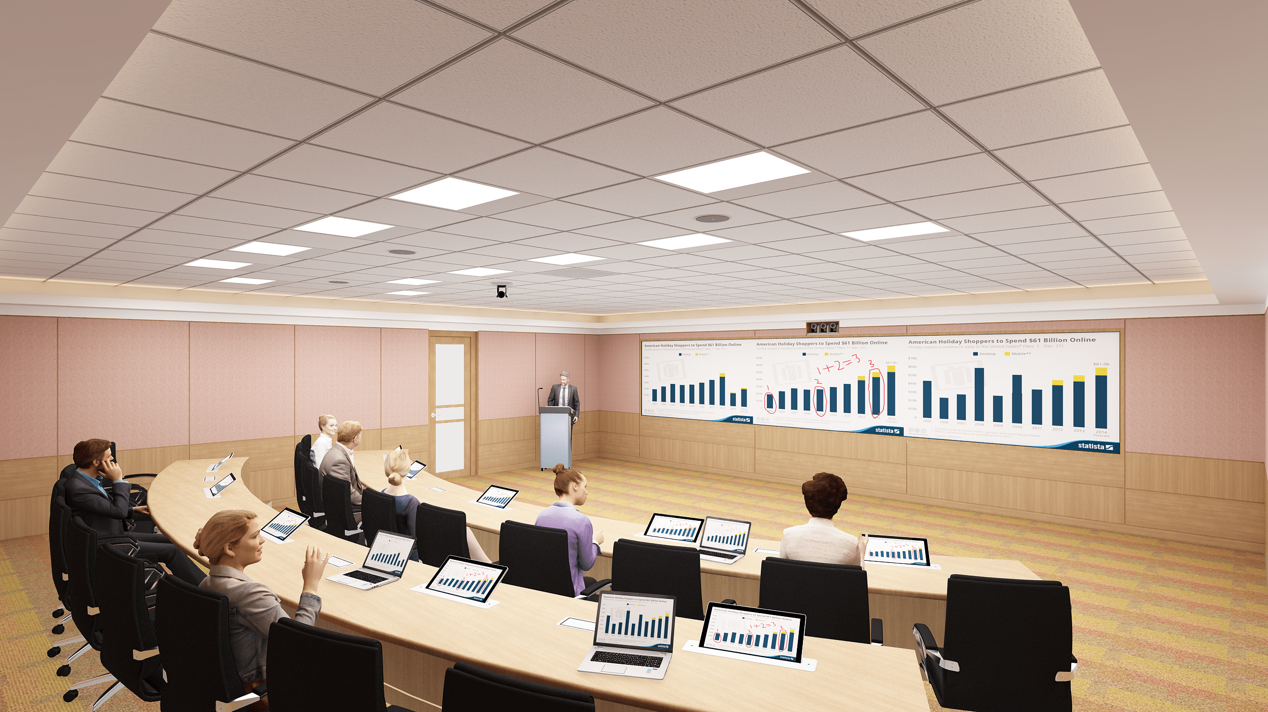
13. Our touch panel control simplified GUI enables the Board Room to be used in multiple different meeting environments along with very easy content share.
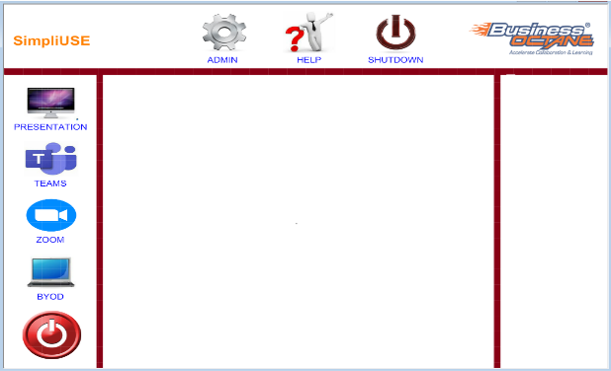
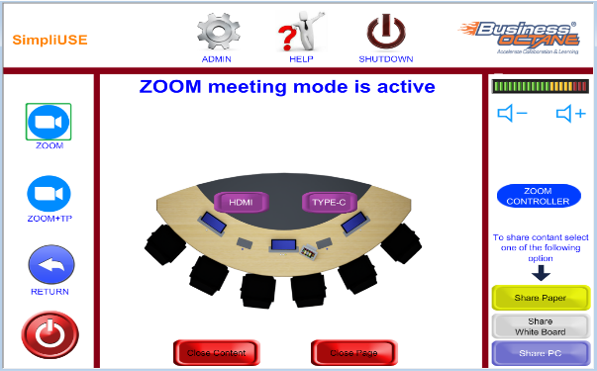
Intuitive GUI to easily navigate for various options very easily.
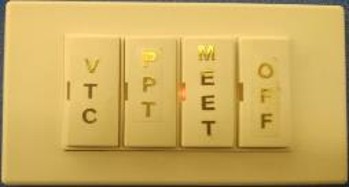
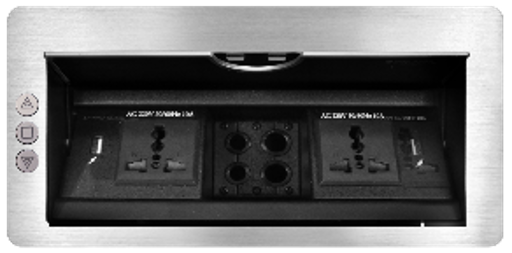
14. Amazing simplicity with 4 or 5 button panel and special cable management boxes with built in presentation sharing capability.
15. Amazing LED displays with Chalk Writing Technology (Synchronous Writing)
All front displays ranging from the sizes of 110” & 135” & 165” come jointly with four Chalk greenboards/ blackboards/ whiteboards for easy writing on chalk boards while simultaneously displaying the green board notes on the central touch monitor and emailing all the notes to all the participants
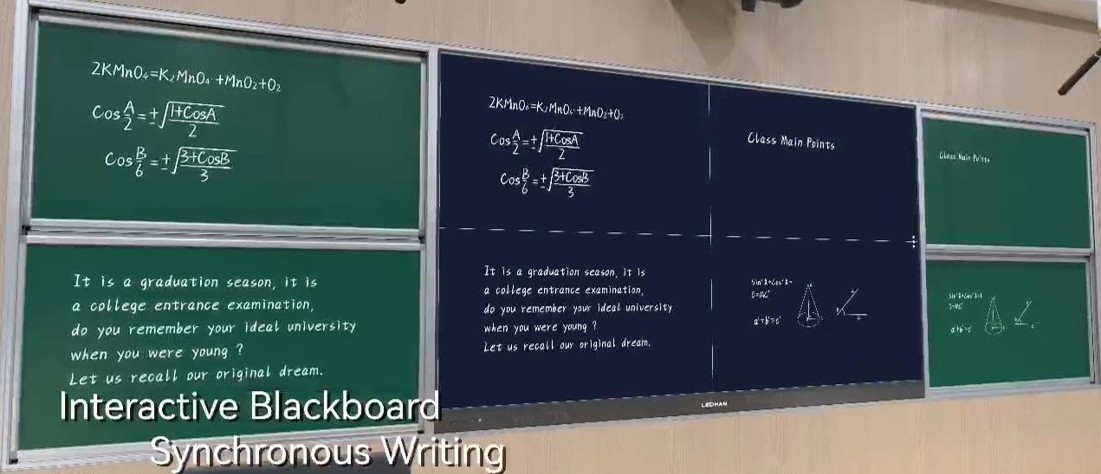
Synchronous writing - Supports blackboard writing, retaining the teacher's traditional blackboard writing habit . Training is provided with sliding green boards embedded with sensors that allow you to do synchronous writing on the main display . Smart Interconnection -Write on any ceramic green boards and magnify & show it on the LED display
16. Amazing Active LED displays with Split Screen Technology for enabling the trainers to write on huge screens ranging from 110” – 165” !
All front displays ranging from the sizes of 110” & 135” & 165 come with split screen technology
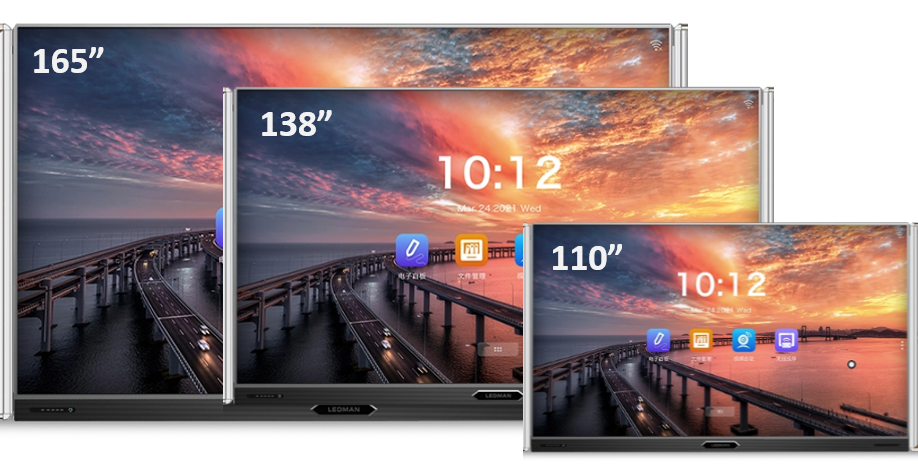

SPLIT SCREEN TECHNOLOGY :- Interactive 4 split screen whiteboards allow you to write on lower whiteboards, push them up and write on new blank whiteboards. Write down on the lower green board and push it up, then again write on the lower greenboard First time enable your Trainer to write on 110”, 135”, 165” displays which they could not do it earlier, because their hands could never access the upper half part of the large screens